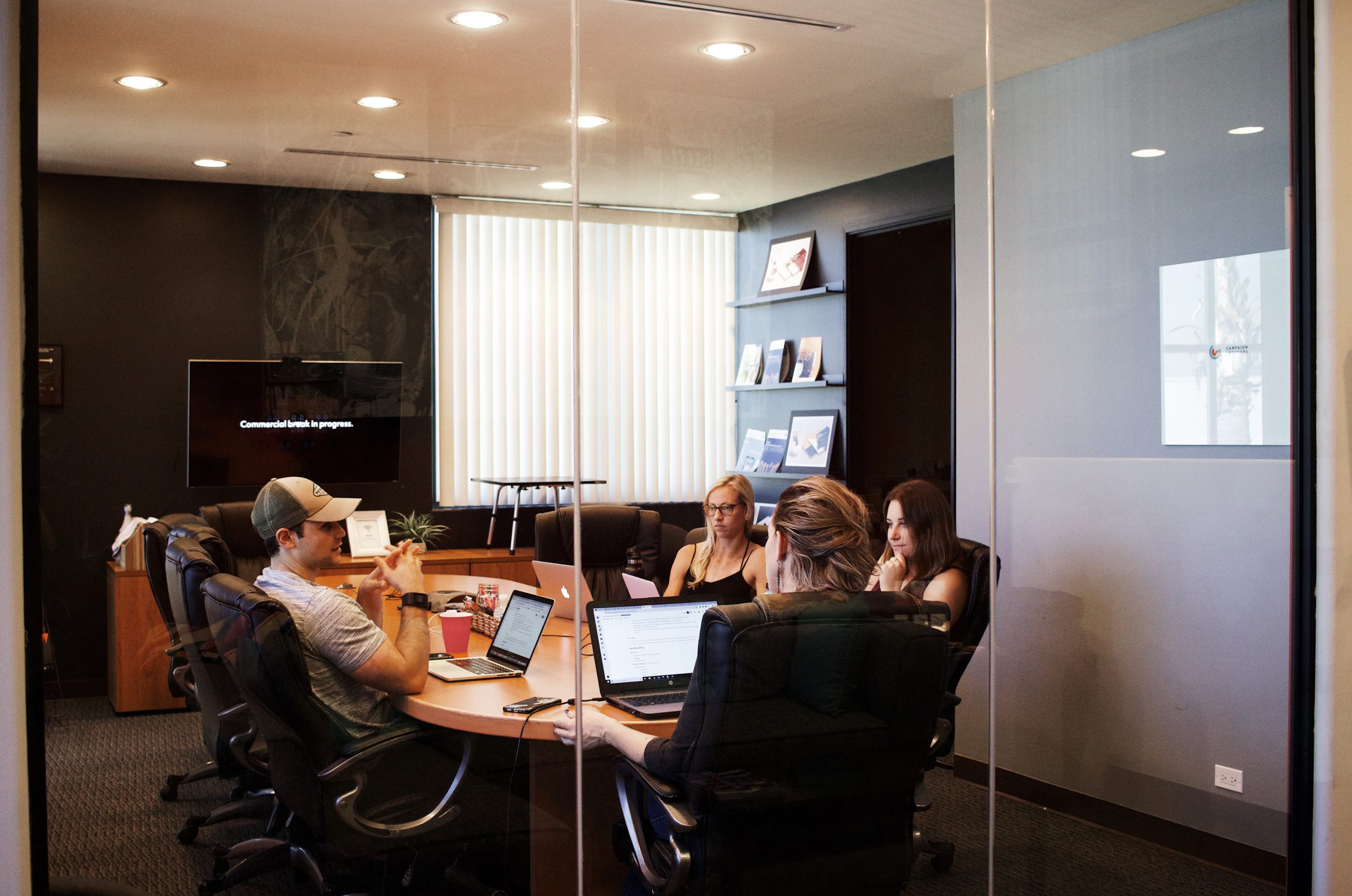
The biggest conference room booking benefits appear when hybrid attendance gets complex. Teams come in on different days, projects need different room types, and managers need clean occupancy data to plan space with confidence.
A modern meeting room booking system gives employees one place to schedule meetings, check room features, and adjust plans quickly from desktop or mobile. It also helps workplace teams reduce no-shows, avoid double bookings, and recover wasted capacity.
Most high-ranking pages in this topic cover three basics: centralised booking, mobile access, and room-fit filtering. Those are still important, but they are only the starting point in 2026.
In this guide, we go deeper into implementation, ROI, KPI tracking, and the operational decisions that separate basic scheduling from true workplace management.
Best 12 conference room booking benefits for hybrid teams
1. One source of truth for all room bookings
When teams book in different calendars or spreadsheets, conflicts are inevitable. A central platform gives everyone the same live availability view.
This is usually the first productivity gain. Employees stop asking who owns a room slot and start booking with confidence.
2. Faster booking from mobile and desktop
People do not always plan meetings from their desks. Fast booking from mobile helps teams secure rooms quickly when plans change during the day.
This cuts friction and removes the need to walk floor to floor checking panel screens manually.
3. Better room matching by capacity and amenities
A booking workflow should let users filter by projector, video setup, whiteboard, accessibility, or collaboration format.
That reduces poor room selection and improves meeting quality. The right room setup also avoids last-minute relocations.
4. Fewer double bookings and fewer room disputes
A shared scheduling layer prevents two teams claiming the same space. It also provides clear booking history when disputes happen.
This supports fairer access in busy offices where demand peaks on anchor days.
5. No-show release to recover wasted capacity
Ghost bookings create artificial scarcity. A no-show release policy returns unused rooms to inventory in real time.
Features like check-in workflows become even stronger when connected to real attendance logic, as shown in this guide on Wi-Fi check-in attendance tracking.
6. Lower admin workload for office and facilities teams
Manual coordination takes hours every week. A booking system automates confirmations, recurring reservations, and schedule updates.
Admins spend less time firefighting and more time improving space strategy.
7. Clear utilisation analytics for planning decisions
Without reporting, it is hard to know if you need more small rooms, fewer large rooms, or different layout distribution.
A strong analytics layer shows demand patterns by day, room type, and location. This is the same data-first mindset we discuss in our 2026 workplace statistics.
8. Higher employee experience and meeting reliability
Scheduling confidence affects daily experience more than most teams expect. If booking is predictable, meetings start on time and people trust the process.
Reliable booking also supports hybrid equity, so remote and onsite teams can coordinate without extra friction.
9. Better visibility across multi-site offices
Distributed teams need to compare room options across locations. A central system keeps policy and scheduling standards consistent.
This is useful for enterprises rolling out hybrid policies globally while maintaining local flexibility.
10. Stronger integration with existing calendar workflows
People already work in Outlook and Teams. A room platform should match that behavior instead of forcing a parallel process.
Native integration improves adoption, which is critical for data quality and accurate utilisation reporting.
11. Higher ROI from existing square meters
Many companies can postpone expansion by using current rooms better. Better allocation can unlock capacity before adding new real estate costs.
For many teams, this becomes a direct cost-control lever tied to occupancy trends.
12. More strategic workplace decisions over time
Booking software is not only a scheduling tool. It is an operational data layer for long-term workplace planning.
When used well, it supports decisions about room mix, floor strategy, and policy refinement quarter after quarter.
What top-performing posts include and why it matters
Across this category, top content usually explains practical scenarios, not just feature lists.
The strongest posts tend to include:
- Day-to-day pain points like ghost bookings and manual coordination
- Operational guidance for admins, not only employee benefits
- Decision criteria for selecting software based on office complexity
- Data-driven outcomes with measurable KPIs instead of generic claims
This is why we recommend expanding beyond “3 key advantages” into implementation and measurement sections. That content better matches commercial search intent and helps readers move from awareness to decision.
For benchmark context, we also track broader workplace research like hybrid work statistics, the latest Gartner workplace predictions 2025, and guidance from McKinsey productivity workplace.
How to implement a meeting room booking system in 60 days
Step 1. Audit current room usage and booking behavior
Start with current booking sources, no-show rates, and conflict frequency. You need this baseline to prove impact later.
Define room categories and identify underperforming spaces before rollout.
Step 2. Set booking policies before launch
Decide rules for check-in windows, release timing, recurring bookings, and priority access.
Clear policy reduces confusion and improves adoption from week one.
Step 3. Integrate with your calendar and identity stack
Connect the platform to your collaboration tools and identity setup so users can book from familiar environments.
Avoid manual account provisioning if you can automate onboarding.
Step 4. Pilot on one floor or one location
A pilot helps validate policy, training, and operational support before scaling.
Track support tickets and update your rollout checklist based on real behavior.
Step 5. Scale with analytics-led adjustments
After launch, review utilisation weekly and refine room rules. Demand patterns will change as users adapt.
Continuous tuning is where long-term ROI is created.
5 KPIs to track after rollout
- Booking-to-occupancy ratio: This shows how many booked rooms are actually used. It is one of the clearest signals of ghost-booking reduction.
- Room utilisation by capacity band: Segment rooms by size and compare demand. This helps rebalance your room mix using evidence.
- Time-to-book for employees: If employees still need too long to find rooms, discovery UX or policy may need adjustment.
- Double-booking incidents: This should trend down quickly after implementation. Keep it visible in monthly workplace operations reviews.
- Admin hours spent on scheduling support: Track manual workload before and after launch. Time savings are often substantial but rarely measured.
5 Common mistakes that reduce conference room booking ROI
1. Treating software as a calendar add-on only
If teams do not connect booking data to space decisions, value stays limited. The platform should inform workplace planning.
2. Launching without clear room policies
Missing policy creates edge-case confusion and lower trust. Rules should be explicit from day one.
3. Ignoring no-show behavior
No-show release is a major value driver. Without it, utilisation numbers are inflated and capacity remains blocked.
4. Optimising only for large conference rooms
Many offices need more medium and small collaboration rooms. Analytics should guide mix changes, not assumptions.
5. Measuring activity instead of outcomes
High booking volume does not guarantee efficiency. Focus on occupancy, conflict reduction, and time saved.
How to choose the right platform in 2026
Prioritise operational depth, not feature count
A long feature list can hide weak execution. Evaluate how quickly teams can book and how reliably data is captured.
Verify analytics quality and exportability
You will need data for quarterly planning and budget conversations. Reporting should be clear and actionable.
Validate hybrid workflow support
Check mobile booking, policy controls, check-in, and release logic in real usage scenarios.
Consider platform consolidation potential
For many organisations, room management is only one part of workplace operations. Integration with wider workplace flows becomes increasingly important, as explored in this comparison of Eptura Condeco vs Ronspot.
Ronspot as your conference room booking platform
We built Ronspot for organisations that need practical control of rooms, desks, and parking in one workplace platform.
Our goal is simple: help teams book quickly, reduce operational friction, and make better decisions with reliable occupancy data.
What teams get with Ronspot
- Real-time room availability with a clean booking flow
- Mobile and desktop access for faster day-to-day scheduling
- Calendar integrations to support existing workflows
- No-show release policies to recover unused room capacity
- Workplace analytics for room planning and policy tuning
- Unified operations across meeting rooms, desks, and parking
Frequently Asked Questions (FAQs)
What are the main conference room booking benefits?
The main benefits are centralised scheduling, fewer booking conflicts, faster meeting setup, better room matching, and stronger occupancy analytics for planning.
Does mobile booking really improve room utilisation?
Yes. Mobile access shortens booking time and helps teams release or rebook rooms quickly when plans change, which improves overall utilisation.
How does a booking system reduce no-shows?
Systems reduce no-shows through check-in workflows, timed release rules, and clear visibility into booked versus occupied rooms.
Which KPI should we track first after rollout?
Start with booking-to-occupancy ratio. It gives an early and reliable signal of policy effectiveness and no-show reduction.
How long does implementation usually take?
Many teams can launch in 30 to 60 days with clear policies, calendar integration, and a staged pilot before full rollout.
Is conference room software only for large enterprises?
No. Mid-sized and growing companies often gain fast value because they move away from manual scheduling pain sooner.
Should we evaluate room software separately from desk booking?
It depends on your workplace model. If employees coordinate desks, rooms, and parking on the same office day, integrated workflows usually simplify operations.
What is the biggest mistake in vendor selection?
Choosing based on interface alone. Selection should prioritize operational fit, reporting quality, policy control, and long-term scalability.